
Choose Your Adventure 🏹
Are custom algos the future?
The savvy marketer's hub for industry news, insights, resources, and culture.
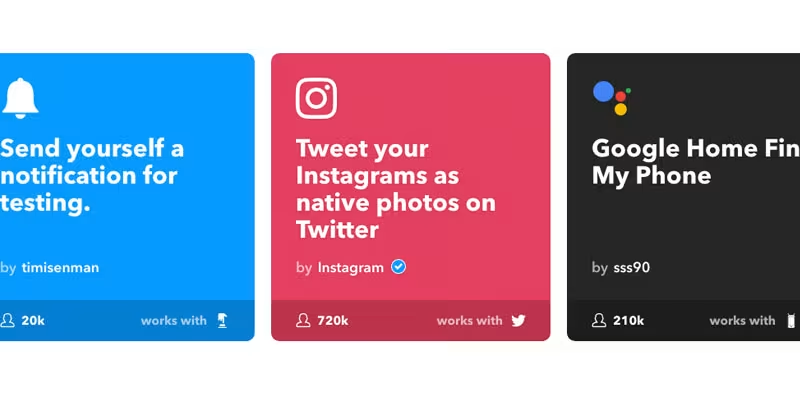
Today’s tool is next level. It’s called IFTTT (If This Then That). IFTTT is a free platform that helps you do more with all your apps and devices. For example, say you’re listening to some jams on YouTube and you want to save them to a Spotify playlist.
Just IFTTT it. We’re not sure IFTTT’ing is a thing, but we’re gonna roll with it. The platform connects to plenty of apps and devices, so you should be set for a long time.
What we like: It’s free and awesome.
What we don’t like: It’s a tad overwhelming to start, but we’re getting the hang of it.
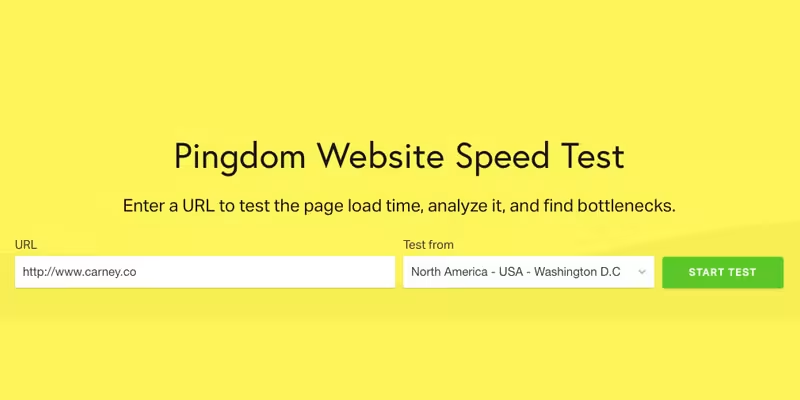
Everybody loves a fast website; especially, Google.
Do you know how fast your site is? The web page speed test from Pingdom will help you identify what’s fast, slow, or too big, and provide best practices.
What we like: It’s free and easy to get initial results. 14-day free trial (cancel anytime).
What we don’t like: …

To help you further dial in your budget, let’s figure out how much you’ll need to spend to reach your growth goals.
The folks at Mercury.Black developed a simple budget estimator. The user guide is included right on the spreadsheet.
What we like: It’s relatively simple to come up with a top-line budget figure.
What we don’t like: So far, so good.
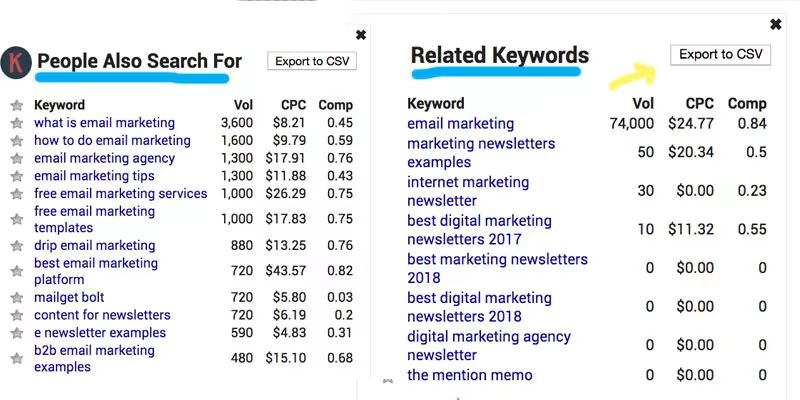
Here’s a new tool for that SEO toolbox.
The Keywords Everywhere extension is a free SEO keyword research tool that shows you useful google keyword search volume and cost per click data on multiple websites.
What we like: results show up in a Google search. It gives some great suggestions for related keywords. It’s free and it exports to a CSV. Boom!
What we don’t like: n/a

Whether you’re in a jam because your photographer called off or you’re just looking for a great all-around photo app, VSCO has you covered.
For creators by creators; take your photography to the next level. VSCO has been at it for a while and it shows. If you’re looking for a new photo editing app, download it today.
What we like: the filters don’t look fake and there are a ton of features (crop, exposure, grain, etc.) The free version is enough to get you up and running.
What we don’t like: if you’re working with super large jpeg files, it may crash.
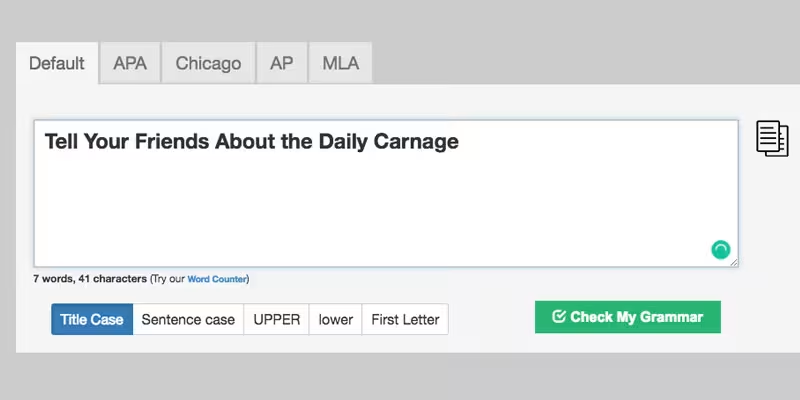
To capitalize or not to capitalize…that is the question.
‘Capitalize My Title’ does the guessing for you. Head over to their site and drop your title in. You’ll have 4 title capitalization styles to choose from: Chicago, APA, MLA, and AP.
What we like: It’s free and about as simple as a tool can be.
What we don’t like: A Grammarly integration would be 🔥

We have some late nights writing this here daily email. After looking at a screen all day doing client work, our eyes start to bug out a little bit. We’re not knocking computer glasses, but we think F.lux is a little cooler.
F.lux adjusts your computer screen color to the time of day. ‘Warm at night, sunny during the day.’
What we like: It protects our eyes for free. You can customize F.lux to disable when you’re using Photoshop or other color-dependent programs.
What we don’t like: It doesn’t emit actual vitamin D.

Not to be confused with the leafy green vegetable. We’re talking about a different kind of green. Enter Kabbage.
A few of us have run our own side hustles here and we know how hard it can be to get funding when you actually need it. Kabbage is about to be your new best friend. They offer quick and easy access to capital to take your business to the next level.
Kabbage has funded over $150k businesses totaling $5.6b. All this Kabbage talk made us hungry for KimChi.
What we like: you get a decision in less than 10 minutes and they’re super transparent about qualifying factors.
What we don’t like: we didn’t discover them sooner.

Here’s a hybrid approach to the tactic above (👆🏼).
You found your ideal client and you want to reach out, but there’s no email address listed. Ain’t no thing. Head over to Hunter and download the free version. This will give you access to just about anyone’s work email. Hunter has been around for a minute, but it’s still a super valuable tool to take advantage of.
What we like: It’s generally spot on when you’re trying to find a specific person. There’s also a Google Chrome extension, which makes things super easy.
What we don’t like: We still have to write the email. JK, JK. That’s the fun part.

Rich O'Donnell

Rich O'Donnell

Shannon Sankey

Rich O'Donnell

Rich O'Donnell

Rich O'Donnell

Shannon Sankey

Shannon Sankey

Ian David


