
Here We Go Again 😮💨
What makes content worth reading when it’s all been said before.
The savvy marketer's hub for industry news, insights, resources, and culture.
Everyone loves a good GIF. When used correctly, GIFs can increase engagement up to 27%.
But, how do you pick the right one?
Use Startup GIFs.
Whether you’re scheduling a meeting or offering a discount, Startup GIFs curates the right GIF for the right situation.

Organize anything, with anyone, from anywhere.
If you’re really ready to get your content marketing dialed in, we can’t recommend Airtable enough.
It’s your one-stop-shop for all things content marketing. Airtable allows you to store assets, plan out your content pipeline, automatically see deadlines on a calendar and so much more.
Don’t believe us? Check out what folks in our Facebook group are saying.
Get on it!
Too busy to read all of the books?
Sipreads reads the best nonfiction books for you and transforms them into easy takeaways.
Oh ya, it’s free.

Don’t you hate when you need a meeting room, but it’s taken.
Meet Joan. Joan on tablets lets you:
✅ Display meeting room status at the door
✅ Book on the spot
✅ Have an overview of room availability
✅ Provide weekly meeting analytics
✅ Sync with existing calendar
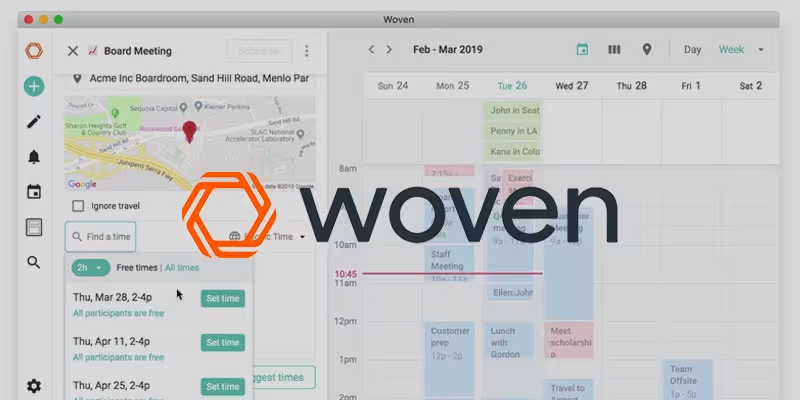
All of this calendar talk is stressing us out, but it shouldn’t.
The ultimate fix starts with Woven. We’ve been using this amazing calendar for months now and are smitten.
Woven provides powerful scheduling tools including Smart Templates, Scheduling Links and Group Polls – all built into a smart collaborative calendar.
The best part? It’s free. Give it a try today.
We couldn’t leave you hanging without a tool for UGC.
Enter TINT.
TINT is the most powerful and trusted Enterprise UGC platform in the world. TINT lets you find, curate, own and display authentic user-generated content across all your marketing campaigns, websites, apps and displays to increase trust.
Get on it. 👇
It doesn’t get any simpler than this.
This tool allows you to create beautiful Instagram captions with hassle-free numbered lists and line breaks.
If you’re buying into SMS marketing, you need a tool for it, right?
Enter SlickText.
SlickText is an industry leader in text marketing. No wonder it’s used by legit brands like ESPN, Lyft, FedEx and more.
Check it out. 👇
Assuming you’re using WordPress, here’s what we recommend for sitemap tools:
Yoast SEO: Features a ton of SEO solutions including an XML sitemap feature.
Simple Sitemap: Just like the name says, it’s simple. Simple Sitemap will add a good ol’ fashioned HTML sitemap directly to your site without any coding or setup.

Ana Toigo
Ana Toigo

Ana Toigo

Ana Toigo

Ana Toigo

Ana Toigo

Rich O'Donnell

Rich O'Donnell

Shannon Sankey


