
The Daily Carnage
The savvy marketer's hub for industry news, insights, resources, and culture.
Issues
View All
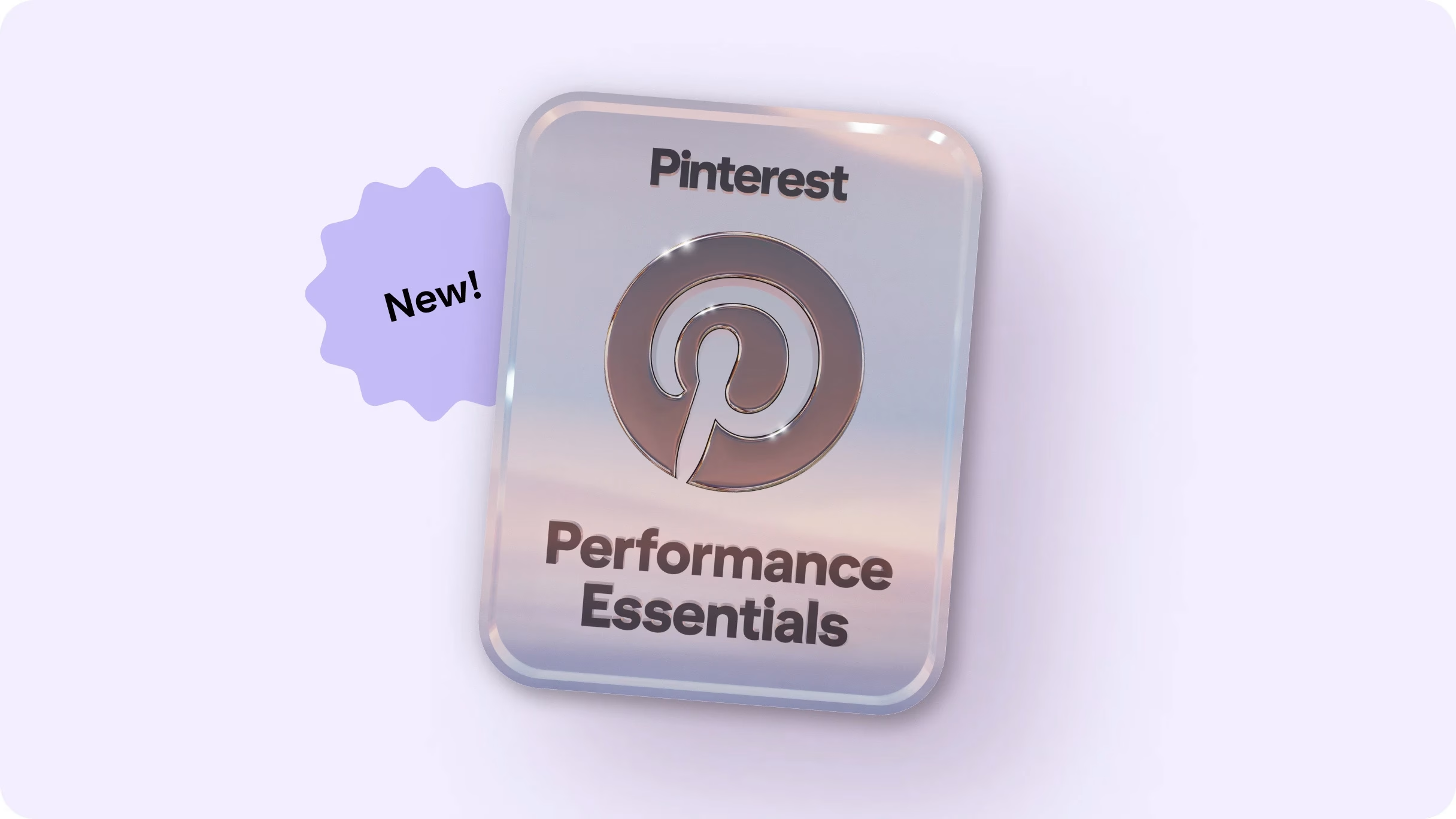
Pinterest Skill Badge
👀 Sponsor this spot to share your product or service with our community.
Upskilling or applying to jobs at the moment?
Well, you can now earn a new platinum badge for Performance Essentials skills through Pinterest Academy, which is Pinterest’s free learning platform.
Complete ten courses focused on maximizing lower-funnel campaign results, boosting conversions, and driving success on Pinterest.
Then, pass a 20-question quiz to claim your badge. And show it off on LinkedIn, duh.
Tubetrackr
If the YouTube algo has you missing some of your favorite channels’ new videos—or you’re just too swamped to keep up—check out Tubetrackr for concise, tailored video summaries from all your faves, straight to your inbox or Discord.
Just add channels to your dashboard, set your preferences for delivery method and frequency, and enjoy bullet-point summaries every time a new video drops.

Butter
👀 Sponsor this spot to share your product or service with our community.
Butter is a platform for planning, running, and recapping all your workshops, trainings, and meetings.
It combines an agenda planner, collab tools, and automated session recaps into one space, so no switching between multiple apps.
Plus, you can add breakout rooms, polls, flashcards, Miro boards, Google Docs, and presentations directly into your sessions.
Smooth.
Reels Webinar
If your Reels reach is trash, join the party. We’re tuning into Meta’s Reels Webinar this Thursday, April 24 at 9 a.m. EST to take some notes.
The session will feature insights from Meta’s product leaders, content experts, and advertisers using Reels successfully.
The crew will cover what makes a Reel perform well, creative diversification, how brands can tap into trends, and hopefully how to get out of “200 views jail,” as they say.
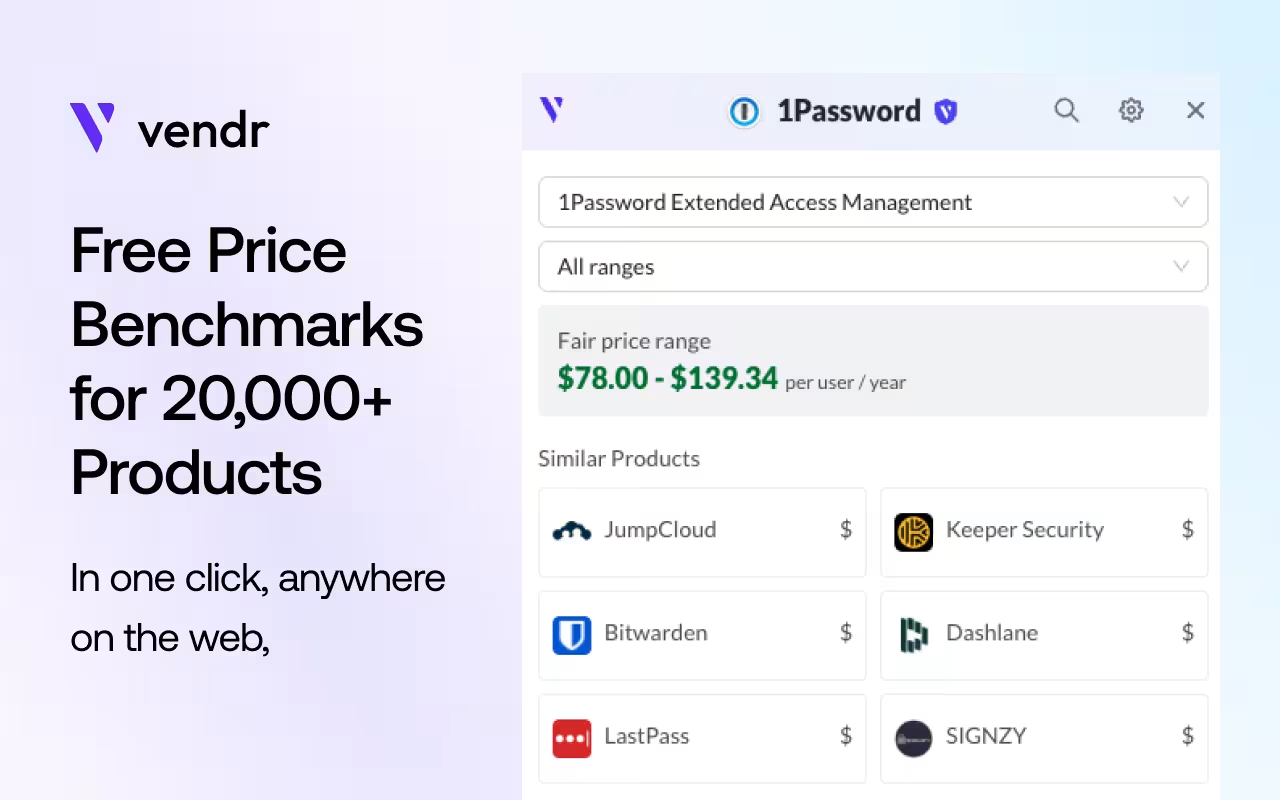
Software Prices
👀 Sponsor this spot to share your product or service with our community.
Raise your hand if you need to price SaaS options for your team but you really don’t have time to sit through a high-pressure demo call right now?
Software Prices is a forever-free Chrome extension by Vendr that displays the real price of 20,000+ software products right on the landing page or review site that you’re browsing.
The data is provided by real buyers and allows you to compare pricing and see market ranges before moving forward or making a deal.
Notion Mail
This week, Notion launched Notion Mail, a smart email client powered by AI. It’s designed to work with Gmail and deeply integrate with Notion’s broader productivity suite.
One standout feature is its auto-labeled folders, which use Notion AI to intelligently sort incoming emails by topic — no manual tagging needed. So, emails related to job applications or customer feedback can automatically filter into dedicated views.
It looks and feels like Notion, and it also connects with tools like Notion Calendar to streamline tasks like scheduling meetings.
Klik Email
This tool transforms your custom email signature designs into clean, clickable HTML—no coding required.
Just upload your design, add interactive hotspots, and copy-paste the result into your email client. It’s tested to work with Gmail, Outlook, and more.
This easily saves hours of dev time, and once downloaded, your signature is yours to reuse anytime with lifetime access.
It’s free to try!
Firebase Studio
Google is giving Firebase a major glow-up, turning it from a developer-focused platform into a powerful DIY AI app builder.
Firebase Studio—now in preview and open to individual Google users—enables you to ✨ “vibe code” ✨ ideas into real apps.
Simply describe an app idea in plain language and receive a working prototype, complete with AI-generated code, layout, and features. You can tweak everything, then hit “prototype” to see your app come to life—no coding skills required.
Based on our prelim testing, it’s super useful for non-technical creatives to experiment with and demonstrate ideas before passing things on to human devs. Definitely give it a go.
The Hive Index
If you’re marketing to niche communities, you’re always on the hunt for digital spaces where people are actually talking—not just posting.
The Hive Index is a curated directory of online communities, organized by topic and platform.
You can use it to find active Slack and Discord groups where your target audience dishes about their problems and desires in their own language and on their own terms.
Happy lurking!
Insights
View AllMarketing5 MIN READ

Top Marketing Tools That Offer Nonprofit Discounts (2026)
Rich O'Donnell
Strategy4 MIN READ

Sharpen Your Core Skills: Listening, Remembering, and Note Taking
Rich O'Donnell
Uncategorized4 MIN READ

Dialogues: Kimberly Bailey, Head of Marketing at Alpaca
Shannon Sankey
Content2 MIN READ

Know Your Audience: Avian & Saurian Edition
Rich O'Donnell
Content3 MIN READ

Which comes first, the copy or the design?
Rich O'Donnell
Content4 MIN READ

How to Speak Like a Customer—Not Your CEO
Rich O'Donnell
Content4 MIN READ

The New Search Paradigm: How Marketers Can Prepare for SGE
Shannon Sankey
Content2 MIN READ

5 Tips for Marketers Who Hate Writing
Shannon Sankey
Strategy6 MIN READ

9 Proven Tactics for ECommerce Websites to Reduce Their Cart Abandonment Rates
Ian David

